



Branding Isn't a Logo. It's How You're Experienced.
People think branding means visuals. And I get it — a logo is tangible. You can point to it. You can say 'we're done.' B...
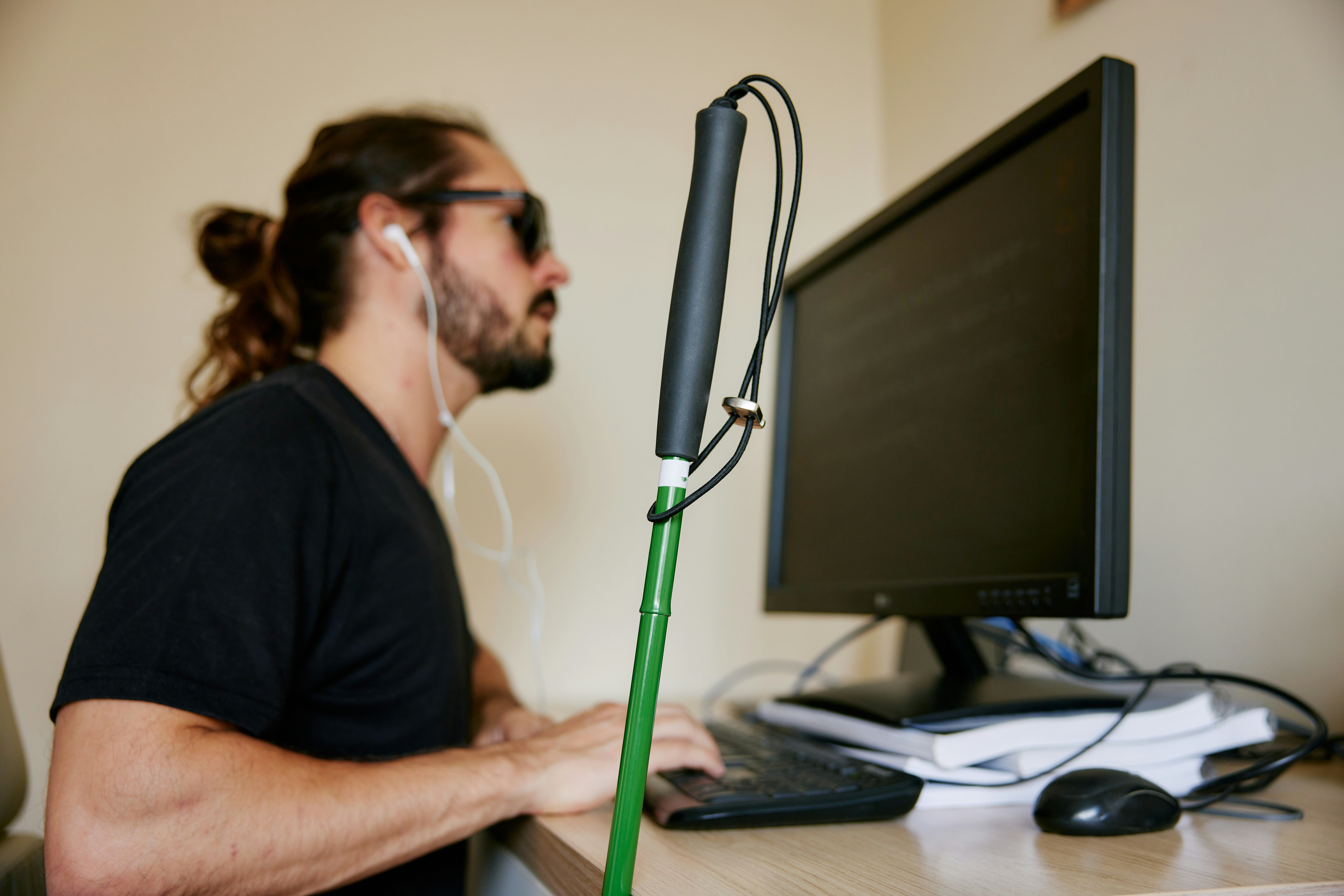
When most people hear "web accessibility," they picture the digital version of a hallway and a door. Can someone access your site? Does the page load? Great, we're done.
That's not what it means though.
Web accessibility is about whether people can actually use your site once they get there. It's designing and building for everyone, including those with visual, auditory, motor, and cognitive differences. That sounds like a narrow group until you look at the numbers: roughly 1 in 4 adults in the US has some form of disability. And the need exists on a spectrum. Some of it is permanent, like blindness. Some is temporary, like recovering from a broken arm and navigating with a mouse being genuinely painful for a few weeks. Some of it is situational, like trying to read a low-contrast webpage in bright sunlight, or filling out a form with one hand while holding a baby.
Color contrast is a useful example here. Light gray text on a white background is a common design choice that looks clean in a mockup. For someone with low vision, aging eyes, or just a phone screen in daylight, it's illegible. The problem isn't just limited to disabilities—it's a readability problem for a lot more people than the designer imagined.
In the US, courts have increasingly applied the Americans with Disabilities Act to websites, not just physical spaces. The international benchmark is WCAG, the Web Content Accessibility Guidelines, which sets three levels of compliance. Level AA is what most legal frameworks point to and what accessibility auditors test against.
Small businesses are getting sued over this—it's not just a big-company problem. Most people who encounter an inaccessible site don't hire a lawyer though. They just leave. They don't tweet about it, they don't file a complaint. They close the tab and find someone else. You lose them quietly, without ever knowing why.
The legal risk is real, but the silent attrition is probably costing you more.
The most common issues aren't obscure. Alt text is probably the one you've heard of: screen readers can't see images, so they read the alt attribute aloud instead. No alt text means the image effectively doesn't exist for that user. Bad alt text, like "image001.jpg," is just noise. Good alt text describes what the image communicates, not just what it shows. "Our team at a project kickoff in Austin" gives a screen reader user the same context a sighted visitor gets. It's a sentence. It takes thirty seconds.
Keyboard navigation is less discussed but just as fundamental. Every interactive element on your site should be reachable with the Tab key alone, no mouse required. Motor disabilities, temporary injuries, and power users who just prefer the keyboard all depend on this working. Try tabbing through your own site right now. See how far you get before something breaks or disappears entirely.
Before films and concerts, you've seen the warning. Flashing or strobing visuals can trigger seizures in people with photosensitive epilepsy. That same principle applies to websites.
Parallax scrolling, where layers of a page move at different speeds as you scroll, is a popular design choice. So are animated page transitions, auto-playing background videos, and loading sequences with a lot of movement. For people with vestibular disorders, migraines, or motion sensitivity, these aren't just annoying. They can cause real physical symptoms: nausea, dizziness, headaches.
There's a CSS media query called prefers-reduced-motion. It checks whether someone has enabled the "reduce motion" setting in their operating system, which is a signal they're asking software to calm down. With a few lines of CSS, you can serve a simpler, stiller experience to those users automatically. They set the preference once, and every site that respects it responds accordingly. Most sites don't respond. Yours can.
You don't have to find everything manually. Lighthouse (built into Chrome's developer tools), axe, and WAVE can scan your pages and surface issues. They catch roughly half the problems. The other half takes human judgment: does this actually make sense to someone navigating without a mouse, without the ability to see color, without a screen?
Accessibility work has a reputation for being remedial. A compliance checkbox you run through at the end of a project, after the real design decisions are already locked. That framing misses something worth paying attention to.
When you build for the edges, the middle tends to get better. A high-contrast type that works for someone with low vision is also easier to read on your phone in sunlight. Alt text that helps a screen reader user understand an image also helps search engines understand it. A site that respects motion preferences is making a considered product decision, not an accommodation. The "fixes" keep turning out to be improvements, because the original choices weren't made with enough people in mind.
At Tropical Year, we think about accessibility the same way we think about brand: it's not a layer you apply at the end, it's a quality of attention you either bring to the work or you don't. The question worth asking early is who you might be designing out of the experience without realizing it. The answer is usually more people than you'd expect, and getting it right is usually less work than you'd think.
Reid Compton · March 26, 2026
https://tropicalyear.studio/blog/accessibility-and-the-people-you-re-turning-away

People think branding means visuals. And I get it — a logo is tangible. You can point to it. You can say 'we're done.' B...

The website vs web app question is a false choice. Most brands need static content and dynamic features. Here's how to a...
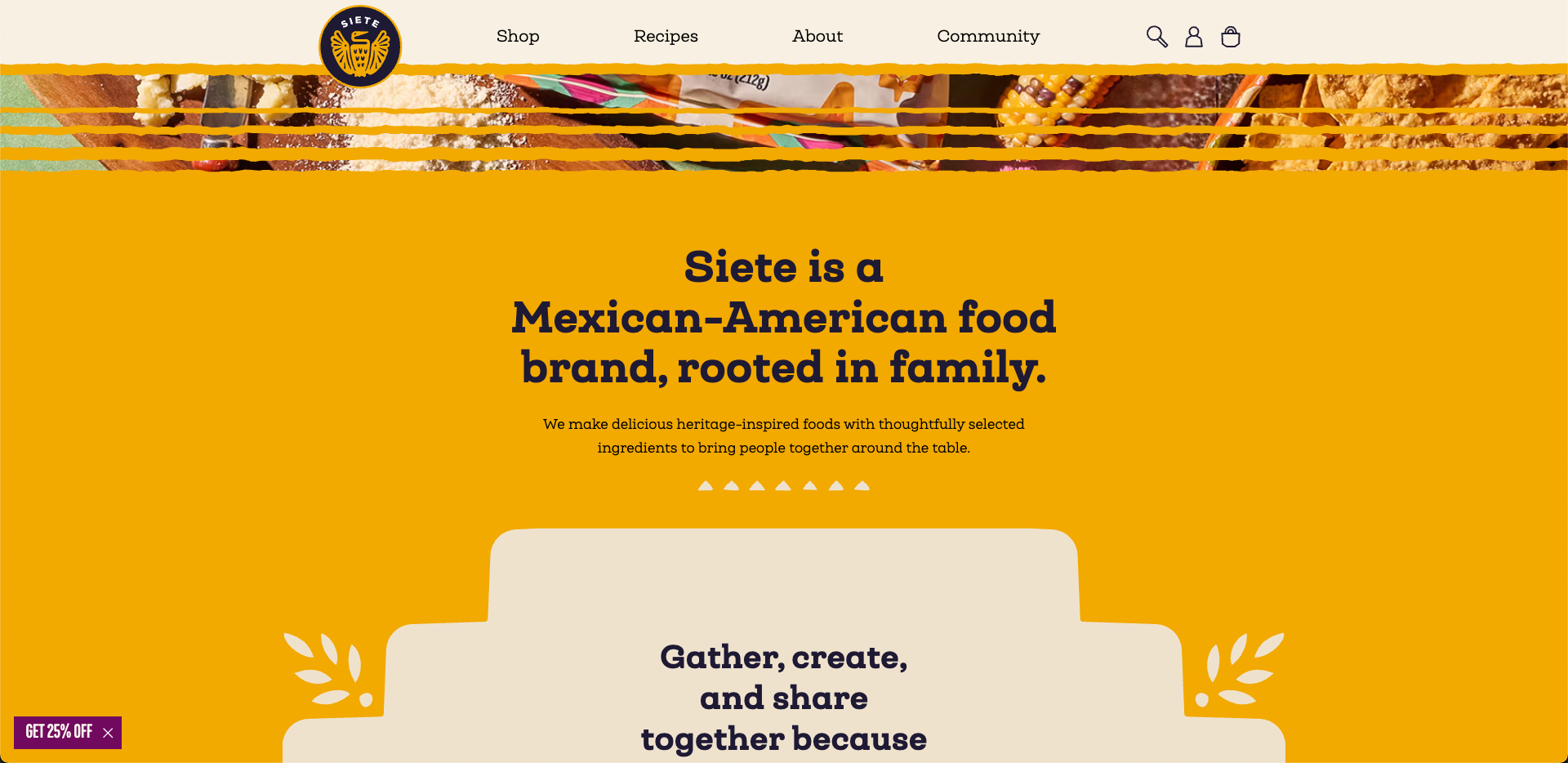
How we built Siete Foods a website system their team can use to create new campaign pages, seasonal stories, and cultura...